Blog
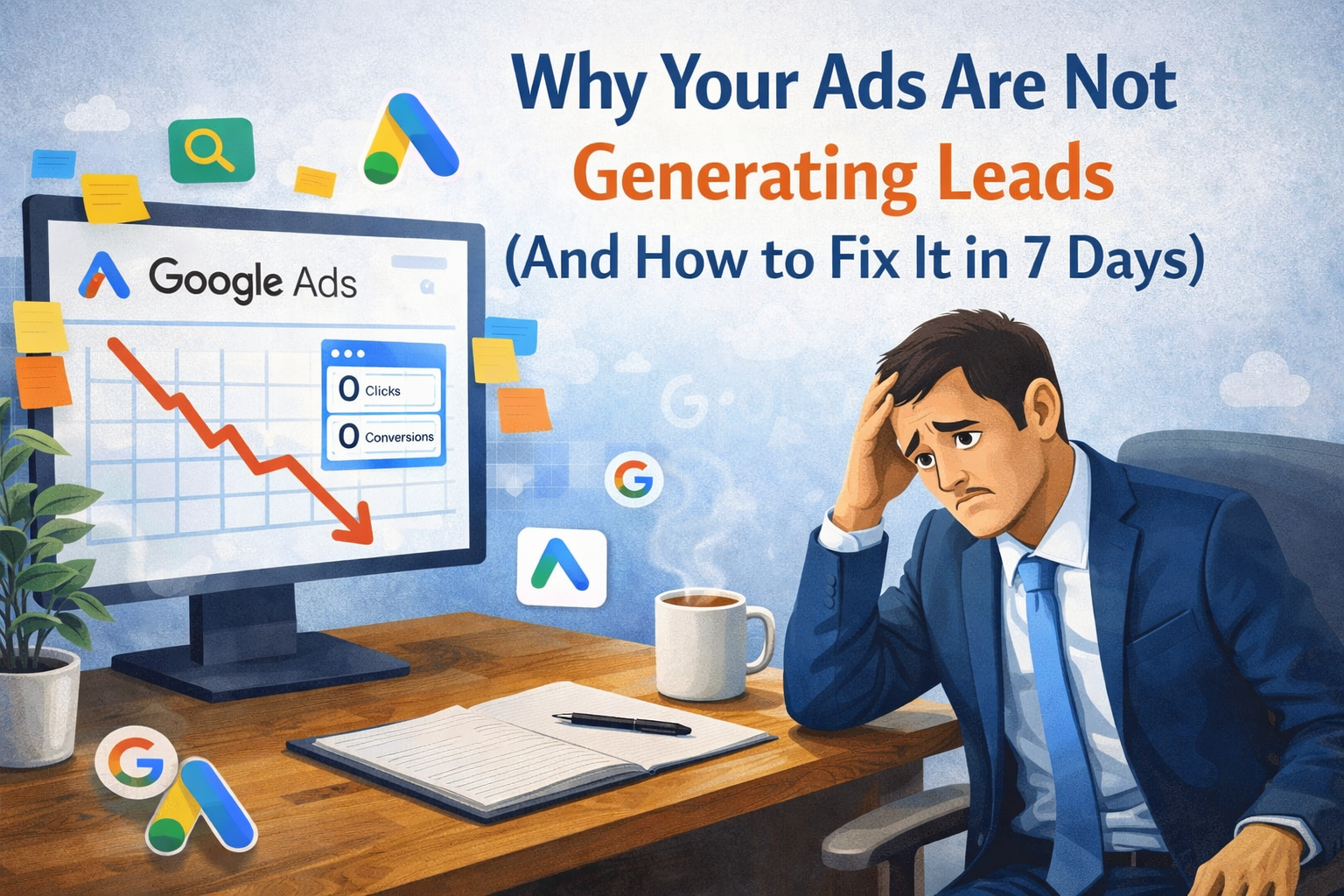
Why Your Ads Are Not Generating Leads (And How to Fix It in 7 Days)

You're Paying for Ads, But Where Are the Leads?
Picture this: You set up a Google or Facebook ad campaign. You write what feels like a great headline. You set the budget. You hit "Publish" -and wait.
Days pass. Money leaves your account. But your inbox? Completely silent.
No calls. No form fills. No sales.
Sound familiar? You're not alone. Thousands of business owners and startups go through this exact frustration every single day. And the painful part? Most of them assume the platform is broken, or worse -that "ads just don't work for my business."
But here's the truth: the ads aren't the problem. The strategy behind them is.
In this guide, GrowMyn Media -a trusted Google Ads service provider - breaks down exactly why your paid ads are failing to generate leads -and gives you a clear, step-by-step plan to fix it in just 7 days.
What Does "Lead Generation Through Ads" Actually Mean?
Before we fix the problem, let's make sure we're on the same page.
Lead generation is the process of attracting potential customers (called "leads") and getting them to show interest in your product or service -usually by filling out a form, making a call, or starting a chat.
When you run ads for lead generation, your goal isn't just to get clicks or views. Your goal is to get people to take action. That action could be:
- Filling out a contact form
- Booking a consultation
- Signing up for a free trial
- Calling your business directly
If people are clicking your ads but not doing any of these things, you have a conversion problem -not a traffic problem.
Why This Matters More Than Ever in 2026
In 2026, the digital advertising space is noisier, more competitive, and more expensive than ever before. Ad costs on Google and Meta have risen significantly over the past two years. At the same time, users have become smarter -they scroll past generic ads, ignore weak offers, and leave slow websites in under 3 seconds.
This means the old "set it and forget it" approach to paid advertising is completely dead.
Today, a successful lead generation campaign requires:
- Precision targeting (reaching the right people)
- Strong ad copy (saying the right thing)
- A high-converting landing page (creating the right experience)
- Accurate conversion tracking (measuring the right results)
Miss even one of these, and your entire budget goes to waste.
Common Reasons Your Ads Are Not Generating Leads
Let's get into the real reasons most ad campaigns fail. Read these carefully -you might recognize yourself in more than one.
1. You're Targeting the Wrong Audience
This is the number one killer of ad campaigns. If your ad reaches people who have no interest in what you offer, no amount of creative writing will save it.
Real-life example: A local interior design firm in Delhi was running Facebook ads. They were getting hundreds of clicks -but zero inquiries. Why? Their targeting was set to "all ages, all interests" across India. Most of their clicks were coming from college students in small towns who were just casually browsing -not people looking to renovate their homes.
The fix? They narrowed targeting to homeowners aged 28–50, in specific pin codes, with interests in home décor and real estate. Leads started coming within 48 hours.
2. Your Ad Copy Doesn't Address a Real Pain Point
Ads that say "Best Digital Marketing Agency -Call Us Today!" get ignored. People don't care about you. They care about their problems.
If your ad doesn't immediately speak to a pain point your audience is experiencing, they will keep scrolling.
Ask yourself: Does my ad answer the question "What's in it for me?"
3. Your Landing Page Doesn't Match the Ad
This is one of the most overlooked mistakes. Your ad promises one thing, but when the user clicks, they land on a completely different page -like your homepage or an unrelated service page.
This creates confusion. And confused people don't convert.
Your landing page should directly continue the conversation your ad started. If your ad says "Get a Free SEO Audit," your landing page should be entirely about that free SEO audit -not about your company's 10-year history.
4. You're Using the Wrong Campaign Objective
On platforms like Facebook and Instagram, choosing the wrong campaign objective is like asking a taxi driver to take you somewhere and then giving them the wrong address.
If you choose "Traffic" or "Awareness" as your objective but expect leads -the algorithm will give you traffic and awareness, not leads. Always use the "Leads" objective when your goal is lead generation.
5. Your Landing Page Is Slow or Hard to Use
If your page takes more than 3 seconds to load, most users are gone before they even see your offer. This is especially true on mobile, where the majority of ad traffic now comes from.
A slow, clunky, hard-to-navigate page kills conversions silently -and you'd never know it unless you check your analytics.
6. You Have No Conversion Tracking Set Up
You can't fix what you can't measure. Many businesses run ads without properly installing Google Tag Manager, the Meta Pixel, or the Conversions API.
Without tracking, you're flying blind. You don't know which ad is bringing leads, which audience converts best, or where users drop off. You're just spending money and hoping for the best.
7. Your Offer Is Weak or Unclear
Even if everything else is perfect -if your offer isn't compelling, people won't act.
A vague offer like "Contact us for more information" is weak. A specific, value-driven offer like "Get a Free 30-Minute Strategy Call -Only 5 Spots Available This Week" is strong.
Urgency + specificity + value = a compelling offer that drives action.
The 7-Day Action Plan to Fix Your Ads and Start Generating Leads
Here's your step-by-step plan to turn your failing campaigns around -fast.
✅ Day 1: Audit Your Current Campaigns
Go through every active ad and ask:
- Who exactly is seeing this?
- What action am I asking them to take?
- Is my tracking set up correctly?
Turn off anything that's been running for more than 7 days with zero conversions.
✅ Day 2: Fix Your Audience Targeting
Build precise audience segments based on:
- Demographics (age, location, income level)
- Interests (specific to your industry)
- Behavior (website visitors, past customers)
Use Lookalike Audiences on Meta to find people similar to your best existing customers.
✅ Day 3: Rewrite Your Ad Copy
Use this simple formula:
[Pain Point] + [Your Solution] + [Clear Call to Action]
Example: "Tired of running ads with zero results? Our team fixes broken campaigns in 7 days. Book your free audit today."
Keep your copy short, direct, and benefit-driven.
✅ Day 4: Build a Dedicated Landing Page
Create a single-purpose landing page that:
- Has a headline matching your ad copy
- Has a simple, short lead form (name + phone/email only)
- Shows social proof (testimonials, client logos, results)
- Has a strong call to action above the fold
- Loads in under 3 seconds on mobile
Avoid sending traffic to your homepage. It's too distracting.
✅ Day 5: Set Up Proper Conversion Tracking
Install or verify:
- Google Tag (for Google Ads)
- Meta Pixel + Conversions API (for Facebook/Instagram Ads)
- Google Analytics 4 (for overall website behavior)
Make sure a "lead" is properly defined as a conversion event in your dashboard.
✅ Day 6: Test Multiple Ad Variations (A/B Testing)
Don't rely on just one ad version. Create 2–3 variations testing:
- Different headlines
- Different images or videos
- Different calls to action
Let them run simultaneously and see what performs best. Keep what works. Kill what doesn't.
✅ Day 7: Analyze, Optimize, and Scale
Review your data after 7 days:
- Which ad creative got the most leads?
- What was your Cost Per Lead (CPL)?
- Which audience segment performed best?
Now double down on the winner. Increase budget for what's working. Pause everything else.
Pro Tips From Digital Marketing Experts
Here are some expert-level strategies to take your lead generation to the next level:
- Use video ads whenever possible. Video ads consistently outperform static images in engagement and conversion rates across both Google and Meta.
- Retarget warm audiences. People who visited your website or engaged with your social media posts are much more likely to convert. Retargeting them is low-cost and high-return.
- Add a phone number to your landing page. Many users prefer to call over filling out a form, especially for high-ticket services.
- Schedule your ads smartly. If your leads come from working professionals, don't waste your budget at 2 AM on a Sunday. Analyze when your audience is most active and schedule ads accordingly.
- Use social proof aggressively. Numbers build trust. "Over 150 businesses grew with us" is far more convincing than "We are the best agency."
Common Mistakes to Avoid
Avoid these mistakes that quietly drain your ad budget:
- ❌ Changing campaigns too often -Give ads at least 5–7 days before making major changes. The algorithm needs time to learn.
- ❌ Using broad match keywords without negatives -If you're running Google Ads, not having negative keywords means you're showing up for completely irrelevant searches.
- ❌ Ignoring mobile experience -Over 70% of ad traffic is mobile. If your landing page looks broken on a phone, you're losing the majority of your leads.
- ❌ Not following up on leads fast enough -Research shows that responding to a new lead within 5 minutes increases conversion rates by up to 100x. Speed matters.
- ❌ Running ads without a clear goal -"Get more sales" is not a goal. "Generate 20 qualified leads per month at under ₹500 CPL" is a goal.
Conclusion: Your Ads CAN Work -With the Right Strategy
Running ads that don't generate leads is one of the most frustrating things a business owner can experience. But now you know the truth: it's almost never the platform's fault. It's the strategy, the targeting, the copy, or the landing page.
The good news? Every single one of these problems is fixable. And with the 7-day plan above, you can start seeing real improvements almost immediately.
Stop wasting money on guesswork. Start building a system that actually works.
You have the roadmap. Now take action.
📣 Ready to See Real Results From Your Ads?
Need help with Digital Marketing? Contact GrowMyn Media today and grow your business faster
Whether you're a startup running your first campaign or an established business frustrated with low ROI, GrowMyn Media's team of expert digital marketers is ready to help you build ad campaigns that actually convert.
👉 Visit GrowMyn Media | 📞 Book a Free Strategy Call Today
❓ Frequently Asked Questions (FAQs)
Q1. Why are my Google Ads getting clicks but no leads?
Clicks without leads usually mean there's a disconnect between your ad and your landing page, or your landing page isn't optimized to convert visitors. Make sure your page matches the ad's promise, loads fast, and has a clear, simple call to action.
Q2. How long should I run ads before seeing results?
For most businesses, you should give a new campaign at least 7–14 days to gather enough data before making major changes. The algorithm needs time to optimize based on real user behavior.
Q3. What is a good Cost Per Lead (CPL) for online ads?
It depends heavily on your industry and location. For most small businesses in India, a CPL between ₹300–₹1,500 is considered reasonable. For high-ticket services, CPLs can be higher but still profitable if the customer lifetime value is strong.
Q4. Should I use Facebook Ads or Google Ads for lead generation?
Both platforms work well, but for different intents. Google Ads are great for capturing people who are actively searching for your service. Facebook and Instagram Ads are better for reaching people who may not be searching yet but match your ideal customer profile. Many businesses benefit from using both together.
Q5. Do I need a separate landing page for every ad campaign?
Ideally, yes. Each campaign or offer should have its own dedicated landing page that directly matches the ad's message. Generic landing pages or homepage traffic almost always result in lower conversion rates.
Published by GrowMyn Media | Your Trusted Digital Marketing Agency